Screenshots
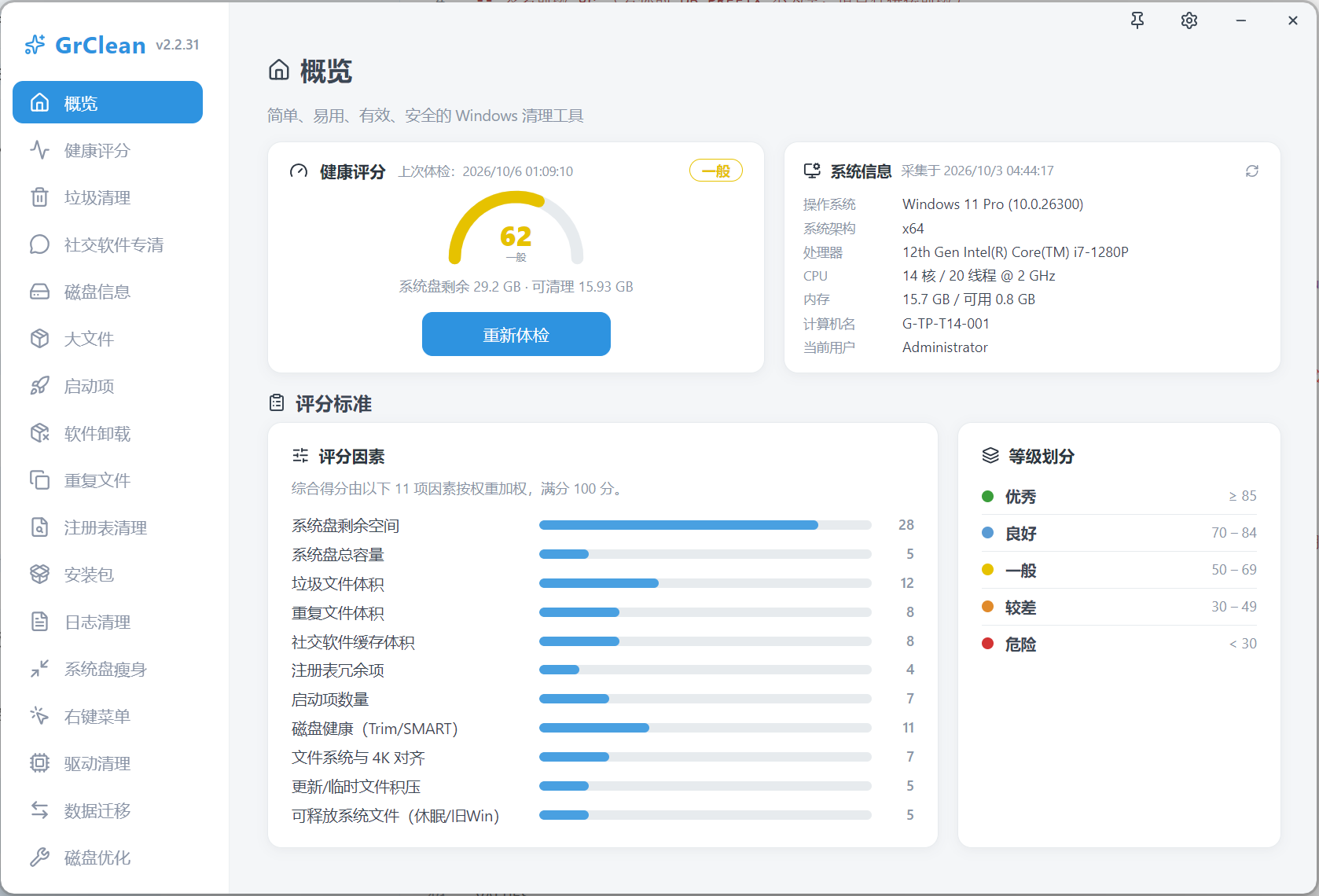
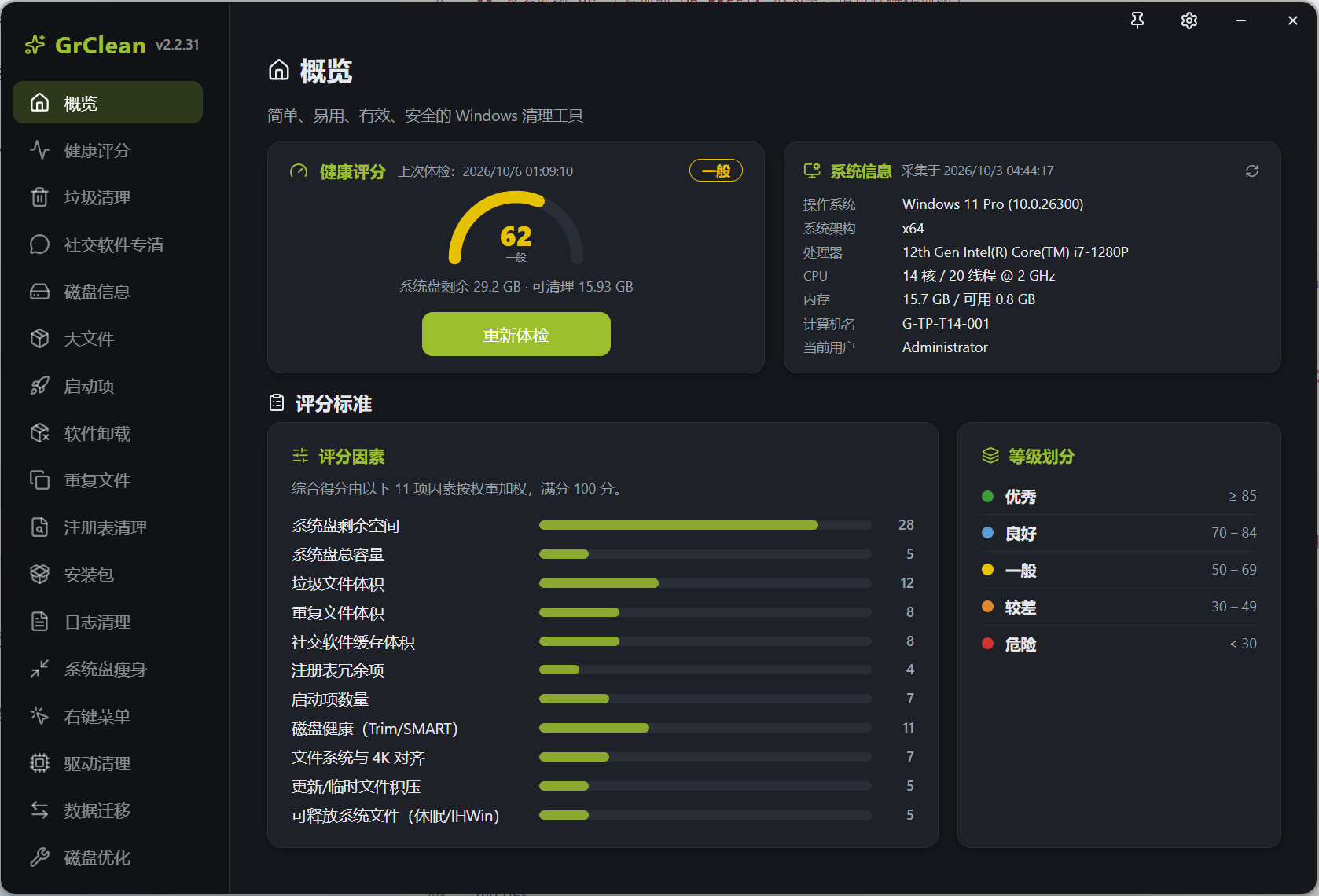
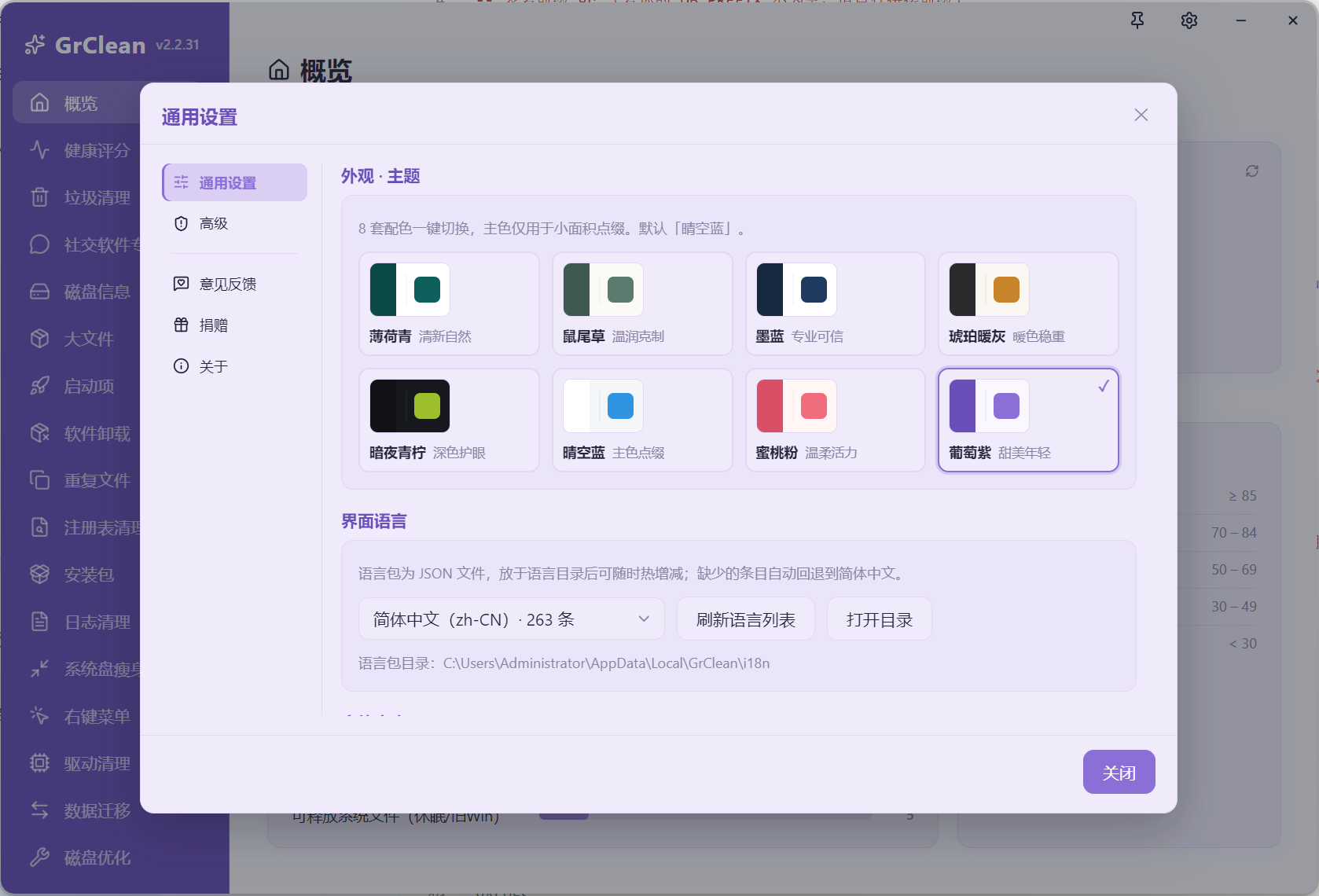
Real UI screenshots: light / dark themes, plus 8 color themes you can switch anytime.
Make Windows feel brand new
A lightweight, safe and ad-free PC cleaner. Junk cleanup, chat-app deep cleaning, driver cleanup, disk analysis and data migration — all transparent and under your control, chat history never touched.
Everything is organized around three jobs — Clean / Slim / Inspect — 22 modules in total. Conservative by default; high-risk items always require confirmation.
18 categories of system junk streamed in real time, grouped by risk and pre-checked sensibly, with per-item confirmation.
Category-based cache cleanup for WeChat, QQ and 8 more chat apps. Chat history databases are permanently locked.
Large files are reported, never auto-deleted; duplicates are verified with 3-level hashing, keeping one copy of each.
Only driver packages with no matching device are allowed; a .reg backup is exported before every registry cleanup.
SMART health, space-change snapshots, folder drill-down; SSD Trim check and HDD defragmentation.
Move app data to another drive with junction links (auto rollback on failure); slim hibernation / old Windows.
Disable / enable startup items (never delete); uninstall apps and clean leftovers, unchecked by default.
Recycle bin by default, protected paths auto-blocked, every deletion audit-logged, built-in integrity verification.
Real UI screenshots: light / dark themes, plus 8 color themes you can switch anytime.
A weighted sum of 11 factors, out of 100. The score comes with targeted suggestions, not vague hints.
Scoring is computed locally inside the app — nothing is uploaded. Level colors match the app.
For Windows 10 / 11 (x64). Installer and portable builds, identical features.
Both builds are identical in features: Windows x64, no ads, no bundling.
If this tool helps you, you can buy the author a milk tea to keep development going. Donations are entirely optional and unlock nothing.


Buy the author a milk tea~
支持国产清理工具!!!
不错
希望加入更多功能~
Thanks to every supporter. Every milk tea turns into more features and fewer bugs.
One person writing code, designing, fixing bugs — and answering your messages.
Every suggestion you send is read carefully.
啊撒大声地
How to send: menu in the top-right corner of the app → Feedback, or email the author. Replies show up right here.
Other small tools by the author, plus partner sites worth a visit.
Chat-App Deep Cleaner
The hidden killer of your C: drive. 10 chat apps supported, caches sorted into a 4-level risk model, chat history permanently locked.
4-Level Risk Model
Safe · Temp caches
Rebuildable, delete freely
Cache / TempSuggested · Images & videos
Usually safe to release
FileStorage / Image / VideoCautious · Received files
May still matter, confirm first
FileRecv / FilesLocked · Chat history
Never selectable, no delete entry
Msg*.db10 apps supported (default paths auto-located, even after moving to another drive)
The 4-level model applies to every app: WeChat / QQ / DingTalk / WeCom / Feishu are located by default paths, the rest are auto-detected via AppData signatures; chat history databases (Msg*.db) are always read-only.